1
Open the Side Panel
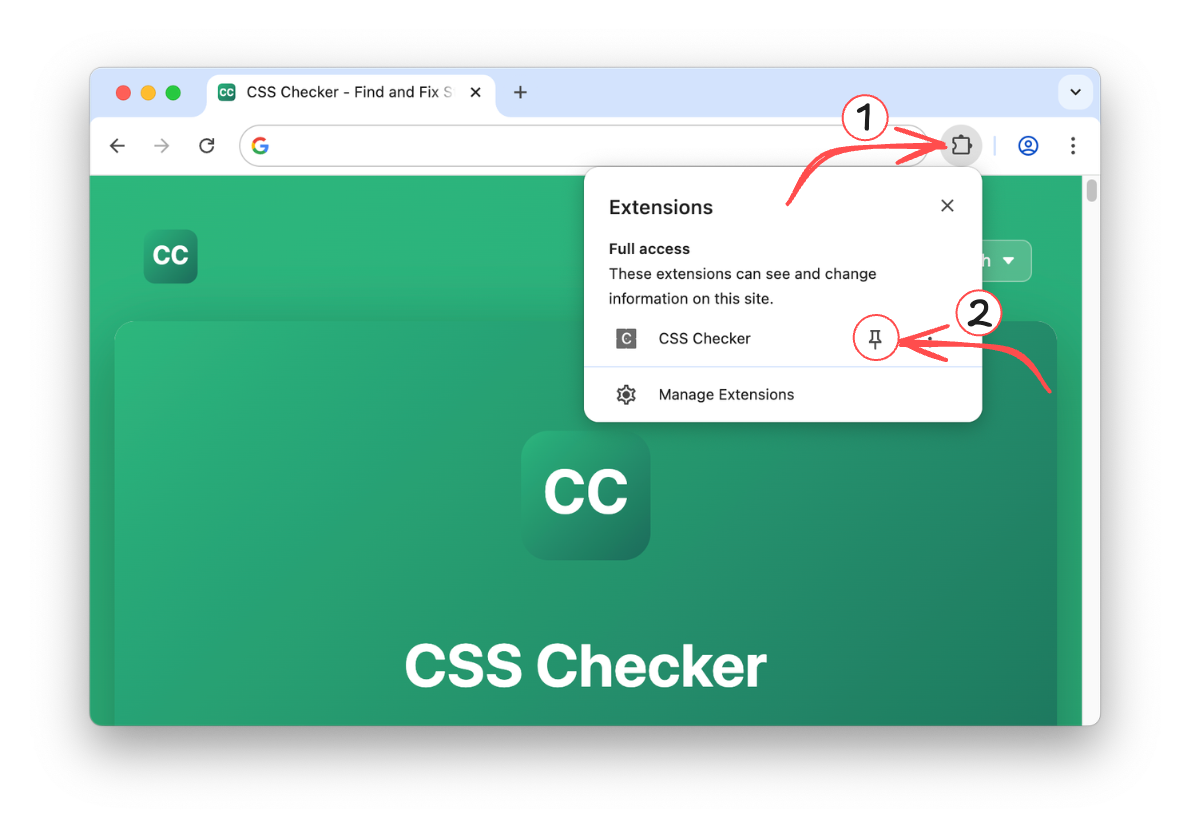
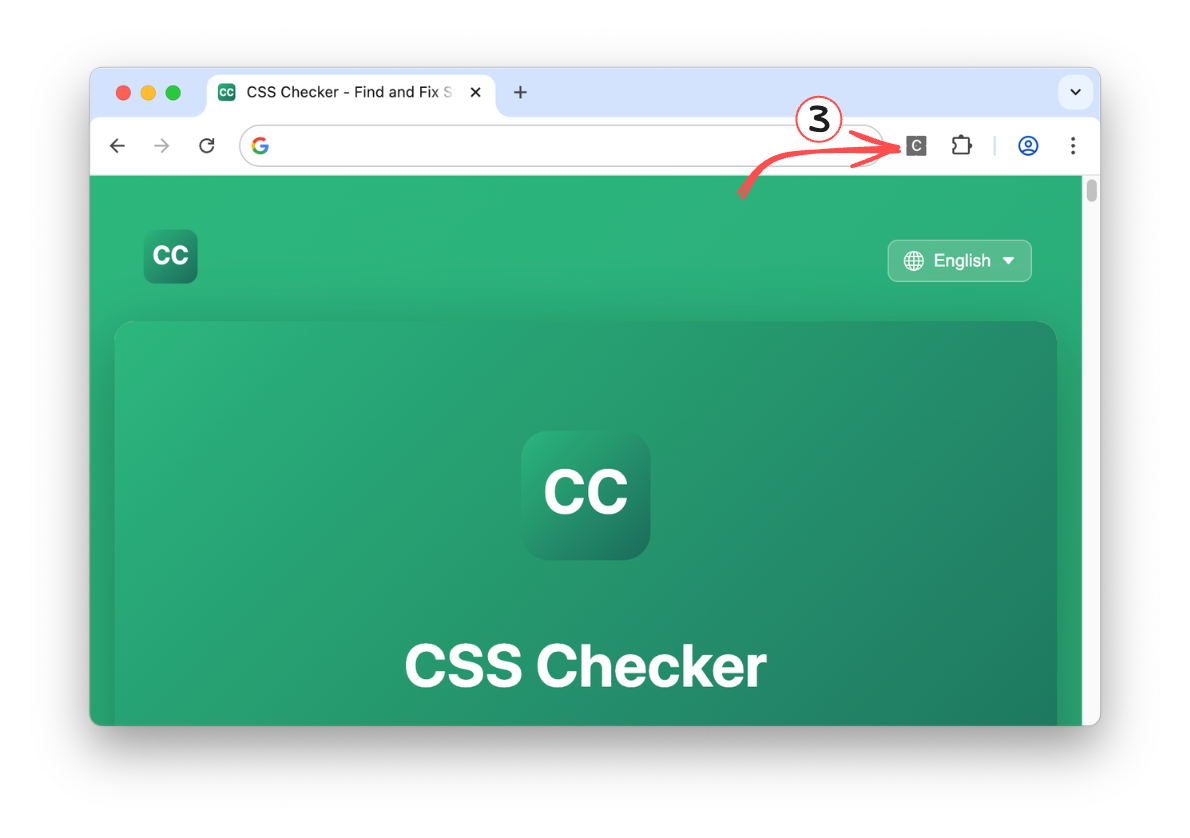
Click the CSS Checker icon in your toolbar, or right-click and select "Open Side Panel".
2
Inspect Any Element
Navigate to any webpage. Hover over elements to see their CSS properties, box model, and selectors.
What You Can Do
Inspect Elements
See computed styles, box model, margins, and padding for any element on the page.
Validate CSS
Run W3C CSS validation on any page and see errors grouped by stylesheet source.
Build XPath
Generate XPath expressions by clicking elements, or test your own queries.
More Coming Soon
Color extraction, typography analysis, and asset export are on the way.
Need Help?
- Where's the extension icon? Look in the top-right corner of Chrome, next to the address bar
- Why do I need to grant permissions? We need access to read CSS properties from the page you're viewing
- Is it safe? Yes! We only access page CSS and DOM, never personal data or browsing history
- Page seems slow? CSS Checker only activates when you open the side panel. Close it to deactivate.
Read our Privacy Policy to learn how we protect your data